Ultimate Trader Logo Dark
Easy to follow

How it Works

Learn step-by-step how our free forex signals works — follow quick image guides to understand key features and get started in minutes.

Platform Preview

How 7FXSignals's Dashboard Works

Follow these illustrated guides to learn how to upload charts, analyze markets, and use the journal effectively.

1

How to take screenshots of charts

Learn how to capture and upload your trading charts for analysis. Our system accepts various chart formats and automatically processes them for detailed analysis.
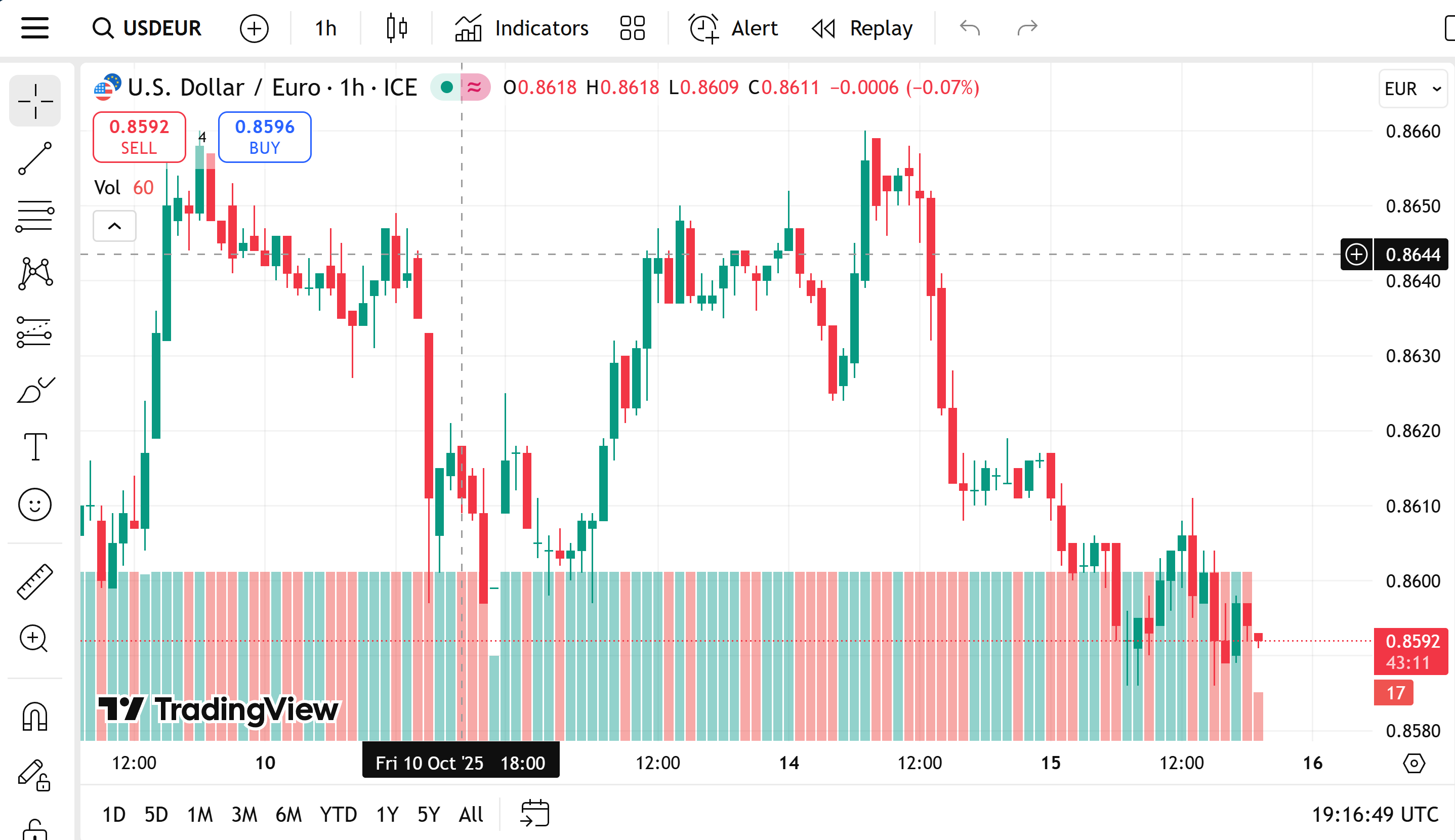

Follow these steps:

  • Launch your trading platform and choose the chart you want to analyze.
  • Take screenshots using the platform tool, Print Screen key, or your phone.
  • Capture four screenshots — one for each timeframe you want to review.
  • Upload your images to 7FXSignals and get instant AI-powered analysis after following the further steps below.
How to take screenshots of charts
2

How to Get Your AI Trading Analysis

3

How to use the trading journal